
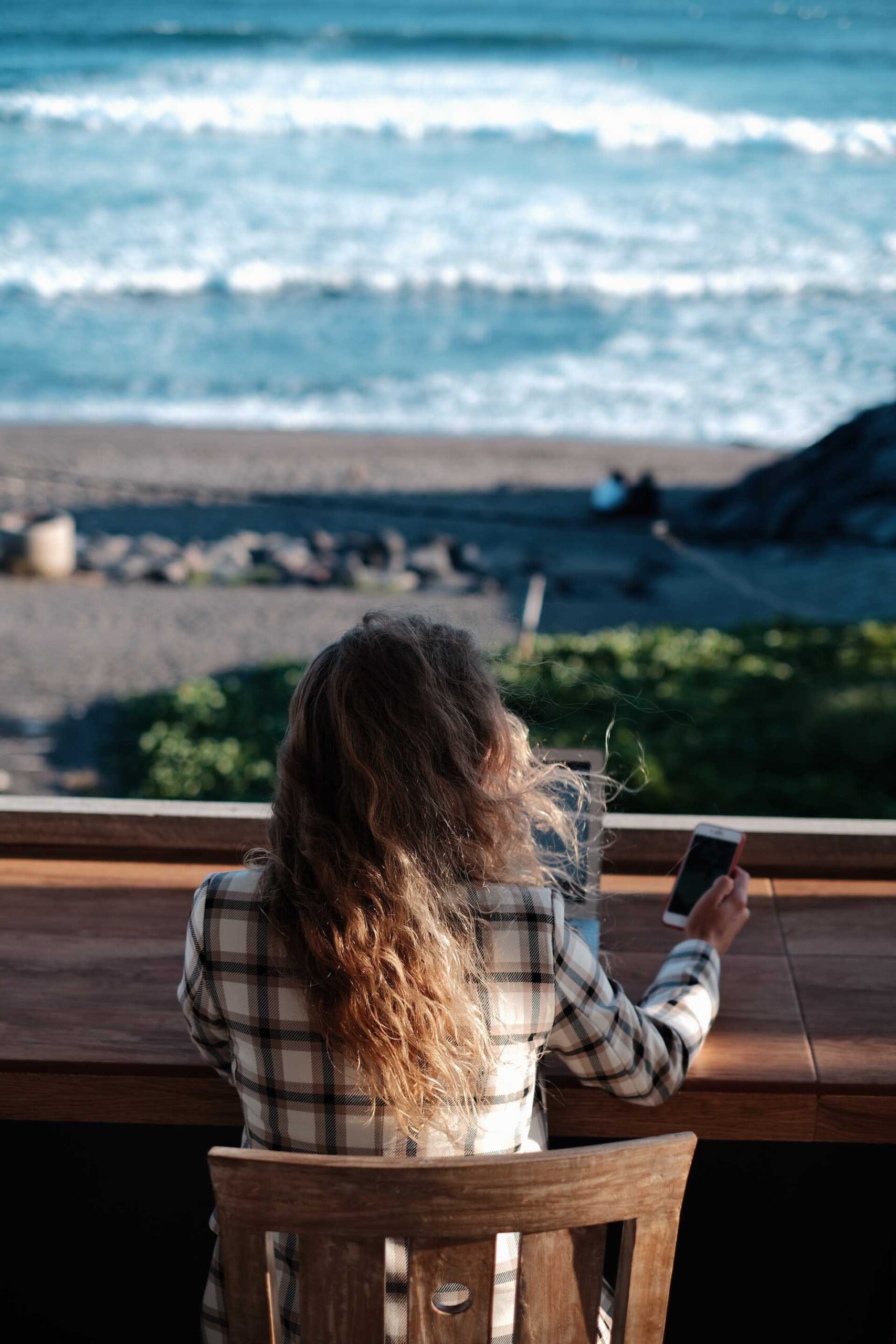
With our phones, tablets and computers playing such a huge part in our lives they’re the perfect place to start (or finish!) your decluttering journey.
Here are some tips to help get you started with your digital declutter.
How to plan a digital declutter and achieve digital minimalism
We increasingly live with our phones by our sides (or, in my case, always in my hands!) and while they’re seriously useful they can also be a source of negativity too. Our phones, tablets and computers are a door to exploring the wider world and in most cases enhance our lives.
The digital ecosystem allows us to stay in touch with friends and family, pay bills, shop online, and lots of other useful things. They’re also where we can find inspiration, joy, encouragement and support from others through online groups, messengers and social media.
Technology is AMAZING for so many things… but our digital lives can very quickly become as cluttered and full as our homes.
If your phone screen is full of apps you don’t use or you dread sorting through all your computer files here are a few simple, bite-size ideas and hacks to help you DIY your own digital declutter.
1. Clean up your home screen and computer desktop
Your home screen or desktop is the first thing you see when you set eyes on your phone, tablet or computer – so make it the first stop on your digital declutter to do list too.
Keep your digital spaces as minimal and clutter-free as possible by moving apps to other screens or folders, and moving files and desktop shortcuts to different folders too. Keep only what you need and nothing else. Carry this approach through to your workspace too, for even better effect.
2. Get rid of apps and digital tools that you don’t use
If you haven’t used an app or piece of software in the last few months – uninstall it! This can be a time consuming part of a digital declutter session, but it’s worth it.
There are some exceptions here for things you do use but only yearly, but for the most part if you don’t use it regularly and wouldn’t notice it was missing then it’s safe to uninstall or delete. Not only is it taking up space on your screen and adding to the sea of icons and clutter, but it’s taking up physical space on your phone or computer too.
Getting rid of apps, software subscriptions, and files you don’t need frees up space for more of what you do use, love and enjoy. This minimalist approach can really help you stay clutter free for longer.
3. Delete apps that make you feel bad
This one’s huge – not only because it saves space on your devices, but because it has a positive impact on how you feel as you go about your life. If an app makes you feel bad, drained, stressed, uncomfortable or overwhelmed – delete it. You don’t need that in your digital world or personal life.
Be ruthless. If what you see on Instagram isn’t making you smile and you don’t have time at the moment to address that by changing who you follow, remove the app from your phone. You can always reinstall apps later and rekindle your positive relationship with what you see on them or how you use them. Only keep things that make you happy.
4. Turn off notifications
If you only do one thing from this digital declutter list, make it this one.
Turning off notifications for your apps puts you back in control of your digital life. You can choose when to view and respond to your emails without that little red dot nagging you, and even pick up your phone when you want to and not just to check which notification has lit up your screen.
Endless notifications and the desire to check on them can cause that overwhelming feeling, so eliminating them gives you space and control to choose how and when you interact.

5. Organise your apps and files into folders
Once you’ve deleted any apps you really don’t need it’s worth organizing the ones you keep. It’s up to you how you’d like to do this as part of your digital declutter session, but personally I have a few different screens on my iPhone featuring folders by category – e.g. photography, media, games.
On your computer hard drive, keeping your files organised is even more important as it’s so easy to end up saving everything to that one default folder you always use – in my case, the downloads folder. I find that sorting through digital files takes time, so if you can find a moment of quiet sit down and create a filing system that works, and create a healthy habit moving forwards.
6. Start a habit of deleting photos you don’t want to keep
Getting the right shot can take a few goes, so you end up with a few photos that are blurry or not quite right don’t you? But do you ever delete them? I know I don’t! It’s time to make this part of our digital declutter plan.
Our photo libraries can become filled up with photos that we have duplicates of or that we don’t love or need to keep, so getting into the habit of regularly deleting them frees up space on your phone (or computer) and means you don’t have 10,000s to trawl through to find something you love. If you need help sticking to this, try my self discipline affirmations.
7. Aim for email inbox zero (or whatever feels comfortable)
Emails! Every day our email account inboxes fill up with messages from people we care about and companies we’ve subscribed to, as well as other things that we don’t care about or need in our lives.
I know that having unread emails in my Gmail mailbox gets distracting for me, and I end up anxious if I haven’t cleared them in a while, so I try and keep my inbox at zero (or at least, zero unread/unactioned). If this style doesn’t work for you find one that does, and try and keep on top of emails so you’re in control and they’re not feeling like a burden. Take some time here to unsubscribe from emails you no long want, too. This can help reduce clutter significantly. Maybe make this part of your Sunday routine, if you like.
8. Close browser tabs as you go
How many browser tabs do you have open right now? I know that on my laptop I have 9 (mostly blog posts I want to read) and on my phone it’s probably upwards of 35.
On our phones especially it’s easy to leave a web browsing app to do something else and forget to go in and close tabs you’re finished with. These then mount up and, if you’re anything like me, one day you end up with 99+ open tabs and wonder why your phone battery is dropping fast. If you close tabs as you’re finished with them you won’t end up there (hopefully!). If you want to refer to something later, save it as a bookmark instead.
9. Store your files in the cloud
If you’ve always stored your files and photos on your laptop or desktop, maybe it’s time to think about switching to a cloud-based storage system instead. Make this part of your workflow to automatically create new digital declutter habits.
One of the benefits of cloud storage is you can access your files anywhere, and they’re more protected against technical issues and hardware failure. It also makes it easier to keep your desktop or laptop free from digital clutter – although you should try and keep everything organized there too! My personal favourite is Google Drive and Google Photos but there are a few other options like DropBox and OneDrive.
10. Be more intentional with your screen time
While it’s not so much a decluttering habit itself, being more intentional with the time you spend on your devices means less time to build up clutter and a less overwhelming experience.
If you find yourself almost addicted to picking up your phone every few minutes or scrolling through your Instagram feed constantly, creating a few rules for yourself can help to break that. Unfollow accounts that don’t serve you, and find healthier ways to spend your energy. Maybe even try a digital detox and avoid non-essential use of your devices for a weekend or a week and try and find the right balance for you and your life.
Bonus: Create time each month for a digital declutter session
Once you’ve made it through the steps above and you’re feeling confident and calmer about your digital life, make sure you create time in your calendar to keep it that way with a scheduled digital declutter block.
It’s easy to start feeling overwhelmed again and reverting to old habits, so blocking off an hour or two each month to continue your digital declutter is a great way to create a new, positive habit and stay on track. Listen to a playlist, and plan a fun treat for afterwards to motivate yourself.
Find a digital declutter checklist that you love or create your own, based on your own habits and needs. Use this to help guide your regular decluttering session so you can stay clutter free for longer.


Leave a Reply